UnionActive Member Check-In
Move members through the door faster
Turn every member's UnionActive account into a reusable digital check-in card and build an accurate meeting attendance log as members arrive.
One card. Two ways to scan. No repeated data entry.
Each member receives a unique QR code through their website account. At the door, an authorized administrator can use a dedicated wireless QR scanner or the continuous camera on a phone or tablet. The station stays ready for the next member without reopening the camera or reloading the page.
Scanner Gun Mode
Use a compatible 2D keyboard-wedge scanner for quick, trigger-and-go check-in at a staffed entrance.
Continuous Camera Mode
Use the rear camera on a phone or tablet. After the initial permission, the camera remains ready for the next QR code.
Immediate Feedback
Large color-coded results, audio cues, and supported-device vibration tell the operator what happened without slowing the line.
How it works
Member Check-In connects the member database, the scanning station, and Data Manager in one simple workflow.
The member presents their card
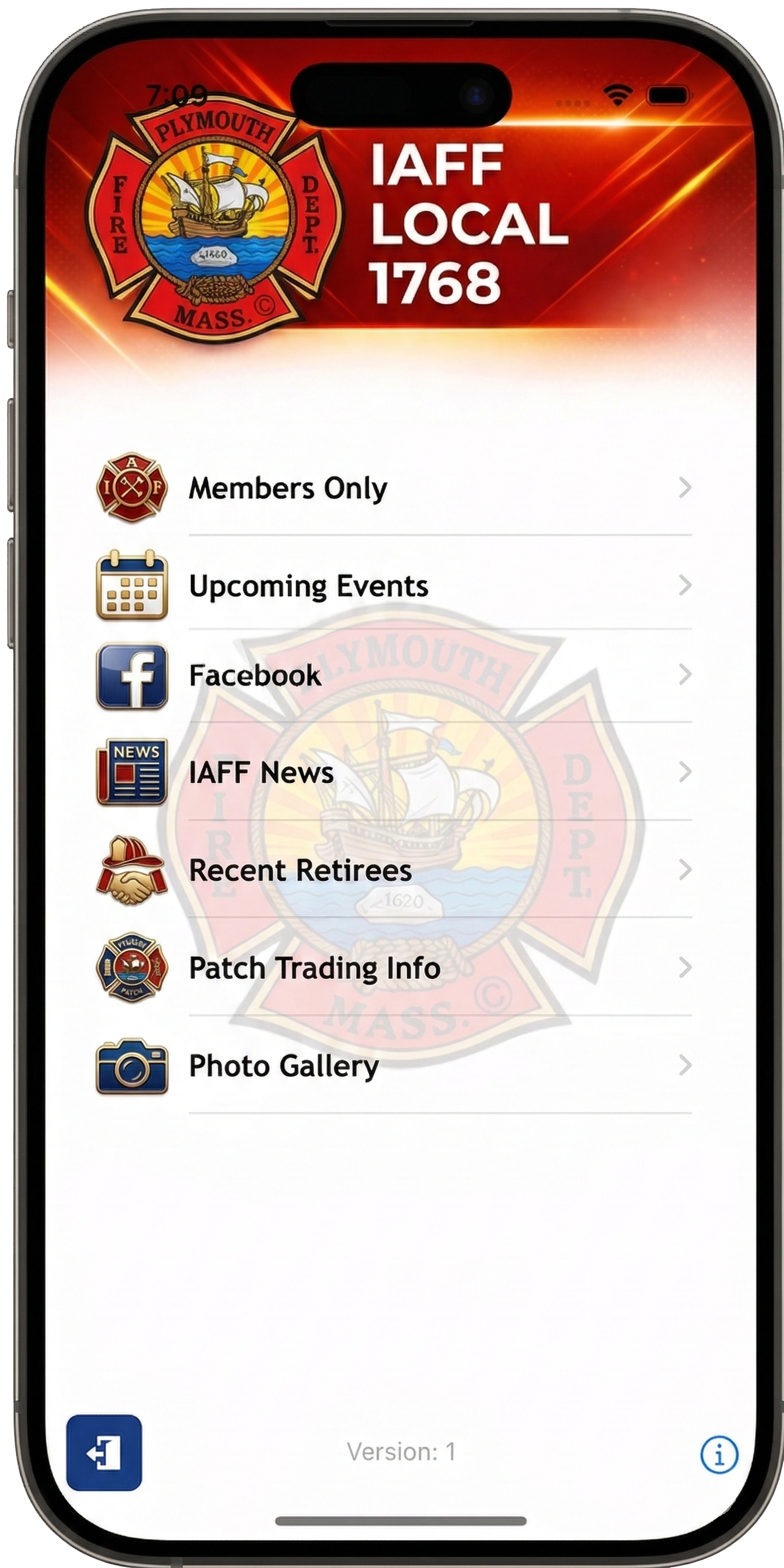
Members open the Check-in Card from Account Settings, save it to their phone, access it through the union's mobile app, or present a printed copy.
The administrator scans
The station reads the existing member QR code and verifies the corresponding member account before recording attendance.
Data Manager keeps the record
A successful check-in saves the member information and date/time to the selected Data Manager form for review, search, and export.
Built for real meeting traffic
The feature does more than read a QR code. It gives the door team the safeguards and visibility needed to keep arrivals moving.
- Reusable member cards: the same QR code works at future meetings.
- Same-day duplicate protection: a second scan is clearly flagged and does not create another attendance record.
- Member eligibility checks: inactive or ineligible accounts are not recorded as successful check-ins.
- Local-time accuracy: the displayed time and daily duplicate rule follow the website's configured time zone.
- Live station totals: staff can see successful, duplicate, error, and queued scans during the session.
- Recent scan history: the latest results stay visible to help the operator confirm each arrival.
- Central attendance records: all successful check-ins are available in the selected Data Manager form.
- Search and export: administrators can use Data Manager tools to review attendance and prepare reports.
Ready to simplify meeting attendance?
Member Check-In is available for UnionActive websites with the Data Manager service. Contact Us to add Data Manager or to get help enabling Member Check-In for your website.
Phone Camera mode requires a secure HTTPS connection and browser camera permission. Available sound and vibration feedback varies by device and browser.

.png)